> For the complete documentation index, see [llms.txt](https://blog.emoney.io/llms.txt). Markdown versions of documentation pages are available by appending `.md` to page URLs; this page is available as [Markdown](https://blog.emoney.io/faqs/how-investors-can-claim-usdemyc-tokens.md).
# How Investors can claim $EMYC tokens
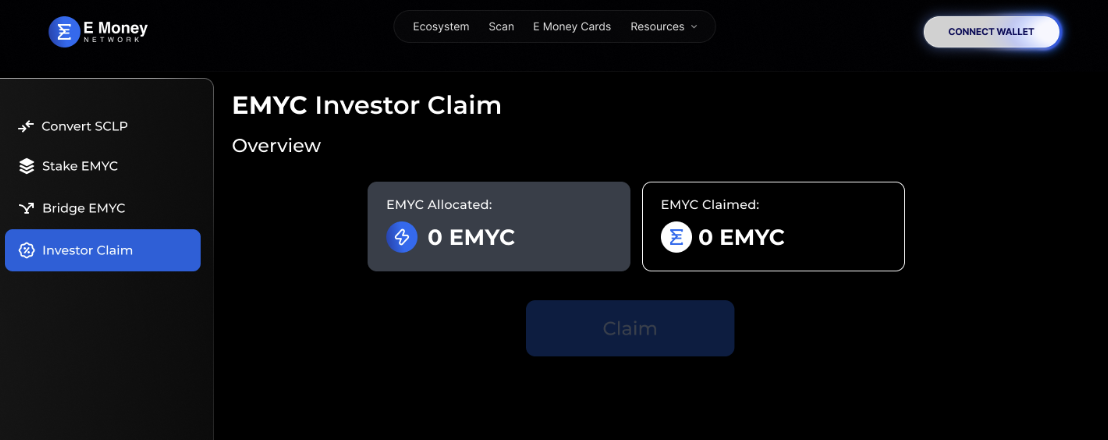
#### Following are the steps for investors for claiming their $EMYC tokens.
1. Go to: [https://dashboard.emoney.io/](https://convert.emoney.io/) .
2. Select **“INVESTOR CLAIM”** from the tab on the left, as mentioned in the image below.
3. Connect your Web3 wallet to the portal using the ‘Connect Wallet’ on the page. Make sure that you are connected to the right network, Binance Smart Chain (BSC).
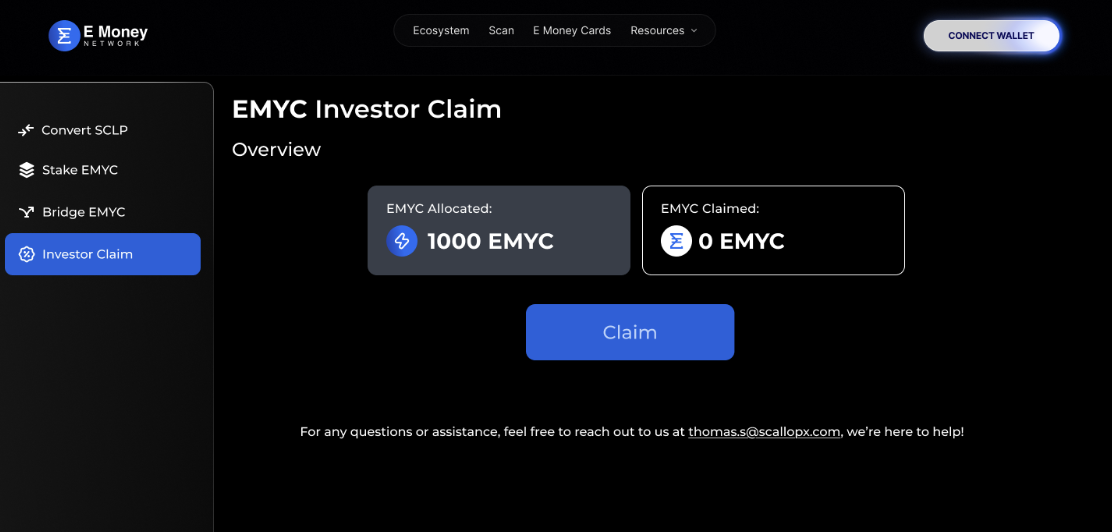
4. After successfully connecting your wallet, you will see this screen below
5. Verified wallet addresses will be shown the amount of $EMYC tokens available to them.
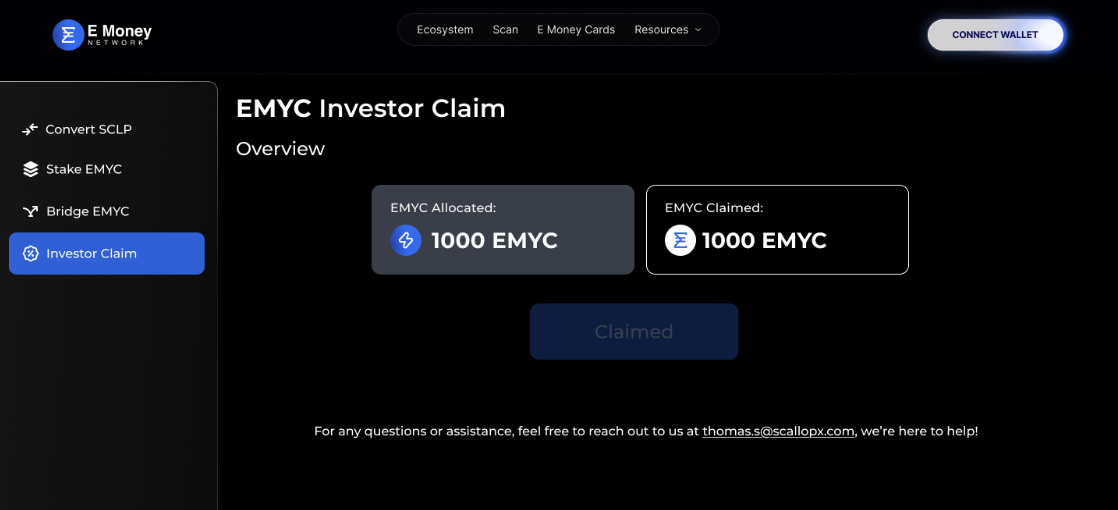
6. Click on “CLAIM” button and you will be able to claim $EMYC tokens allotted to you
6. Congratulations, you have successfully claimed your $EMYC tokens.
### FAQs
1. Do I need to pay gas fees?
Yes, interacting with the smart contract and claiming your tokens will require gas fees. Fees on Binance Smart Chain (BSC) are usually <$1.
2. My wallet address couldn’t be found. What happens now?
Unfortunately, this means that we do not have your wallet address in our database and it is not linked to any investor. Therefore, you are unable to claim EMYC tokens from the site.
3. Please reach out to us at for any queries.